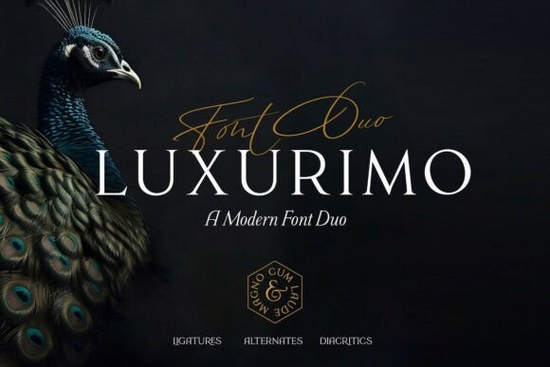
If you're looking for a font that feels both timeless and quietly confident something that works just as well on a wedding invitation as it does on a boutique skincare label Luxurimo Font is worth your attention. It’s not flashy or overly decorative, but it carries a quiet authority: a clean serif paired with a graceful, slightly restrained script. That balance makes it especially useful for creatives who need versatility without sacrificing personality whether you’re designing for a local bridal studio, launching a small-batch candle brand, or building social media assets for a handmade jewelry shop.
What kind of projects does Luxurimo work best for?
Luxurimo shines where subtlety matters more than showiness. Think wedding stationery (save-the-dates, menus, place cards), luxury packaging labels, boutique business cards, Instagram quote graphics, or even minimalist logo lockups. Because the serif has strong proportions and generous spacing and the script flows with natural rhythm, not exaggerated flourishes it avoids feeling dated or overly trendy. You’ll find it fits cleanly alongside photography-heavy layouts, and it scales well from tiny product tags to large-format wall art.
It’s also a practical choice if you’re working across multiple formats. The serif handles body text in printables or email newsletters with clarity, while the script adds warmth in headlines or short accents no need to hunt for two separate fonts that “go together.” That cohesion saves time, especially if you’re juggling several client projects or managing your own shop’s branding.
How does it compare to other elegant serif fonts?
Not all refined serifs behave the same way. Some lean too formal (like classic Georgia Praline Font), others feel more editorial or literary (like Arome Font). Luxurimo sits comfortably between them: structured enough for professional use, but with just enough softness in its curves to keep things approachable.
If you’ve used Sparky Dream Font before, you’ll notice Luxurimo is less whimsical and more grounded better suited for premium positioning. And unlike Ronsa Font, which leans into bold contrast and modern minimalism, Luxurimo keeps its elegance low-key and legible at smaller sizes.
Who is this font really for?
Small business owners setting up their first Canva templates. Print-on-demand sellers refining their mockup library. Wedding designers who need consistent, printable-ready files. Crafters making digital planners or printable wall art. Even hobbyists putting together family heirloom-style recipe books or baby announcements.
You don’t need advanced typography knowledge to use Luxurimo well. Its OpenType features are straightforward standard ligatures, basic alternates, and clear language support including Latin-based European languages. There’s no steep learning curve, and the included PDF guide walks through common use cases (like pairing the script with the serif in Illustrator or using it in Cricut Design Space).
What should you watch out for?
Luxurimo isn’t built for high-contrast headlines or loud display settings so if your project relies on big, bold, attention-grabbing type, you might want to layer it with a stronger sans-serif instead of forcing the serif alone. Also, while the script is highly legible, it’s not meant for long paragraphs stick to short phrases like “Est. 2023” or “Hand-poured in Portland.”
And because it’s designed for elegance rather than utility, avoid stretching or heavily tracking the letters its strength is in its natural spacing and balanced weight distribution. A little restraint goes a long way.
Practical next steps
- Download the font and open the included .pdf guide it shows real examples of how to combine the serif and script in different layout contexts.
- Try it in a mockup first: drop it into a simple Instagram post template or a plain white business card layout to see how it reads at actual size.
- Compare it side-by-side with Luxurimo Font, Georgia Praline Font, and Arome Font to spot subtle differences in x-height, contrast, and rhythm.
- If you’re using it for physical printing, test a small batch first especially for foil-stamped or letterpress projects since ink spread can affect fine details in the script.
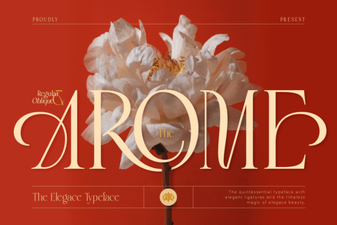 Arome Font: Elevating Design with Modern Typography
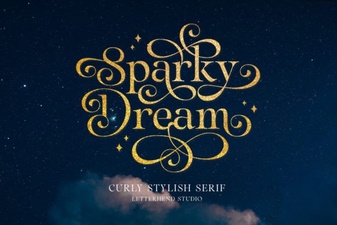 Sparky Dream Font: a Free Creative Asset
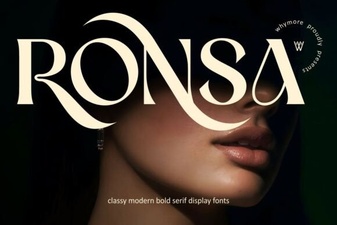 Ronsa Font: Creative Designs and Project Ideas
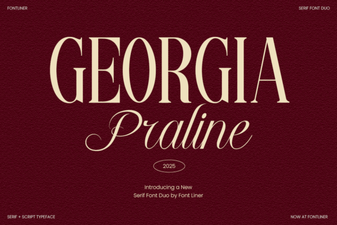 Georgia Praline Font for Elegant Web Design Projects
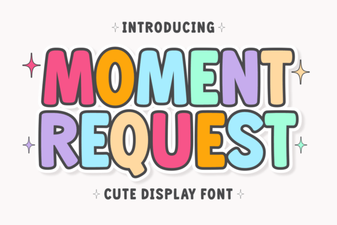 Craft Designs with Moment Request Font
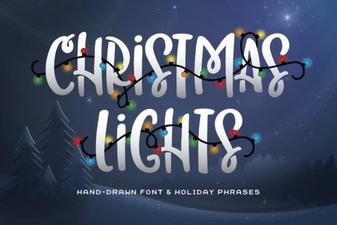 Illuminate Your Designs with Festive Christmas Lights Fonts